Our Process
How to use Confiscoreᵀᴹ
How to use Confiscoreᵀᴹ
Using Confiscoreᵀᴹ is simple, fast, and frictionless. Whether you're collecting confidence data from customers, candidates, or team members, our psychology-backed process makes it effortless. Learn how to set up your campaign, choose the right template, and start generating real emotional insights in minutes — no typing, no confusion.
Using Confiscoreᵀᴹ is simple, fast, and frictionless. Whether you're collecting confidence data from customers, candidates, or team members, our psychology-backed process makes it effortless. Learn how to set up your campaign, choose the right template, and start generating real emotional insights in minutes — no typing, no confusion.
Our Process
How to use Confiscoreᵀᴹ
Using Confiscoreᵀᴹ is simple, fast, and frictionless. Whether you're collecting confidence data from customers, candidates, or team members, our psychology-backed process makes it effortless. Learn how to set up your campaign, choose the right template, and start generating real emotional insights in minutes — no typing, no confusion.
Our Process
Step-by-Step Guide
Your complete walkthrough—from registration to Confiscoreᵀᴹ.
Our Process
Step-by-Step Guide
Your complete walkthrough—from registration to Confiscoreᵀᴹ.
Our Process
Step-by-Step Guide
Your complete walkthrough—from registration to Confiscoreᵀᴹ.
Product Service
Professionals
Internal 360
Recruitment
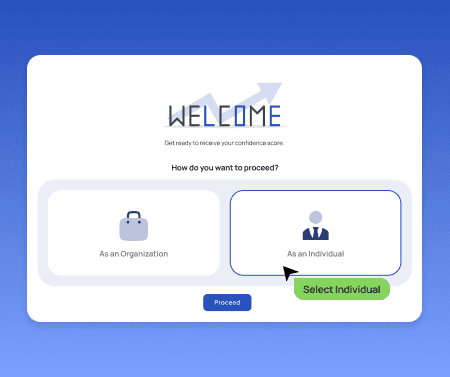
1
Create account
Create an account with email/number/Facebook select your industry.
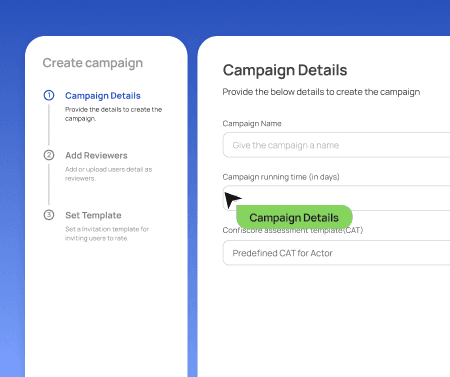
2
Select a Confidence Assessment Template (CAT) after creating a campaign.
Create a new campaign, give it a name and run time and then select your default CAT or custom CAT (for managed customers)

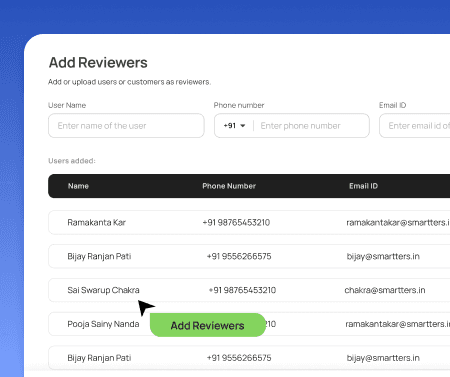
3
Select your reviewers
Select one or multiple reviewers by adding them manually or by uploading an Excel sheet(.xls)
4
Start campaign
Start the campaign with one click and wait for your responders.
5
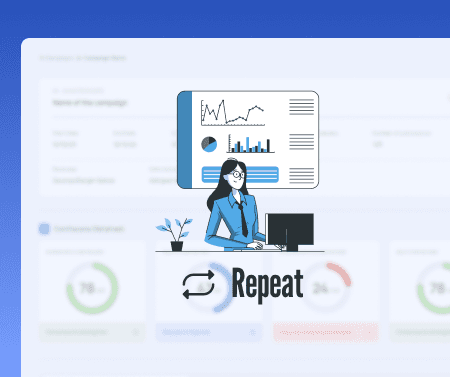
Sit back and repeat
Repeat the steps regularly to truly understand how confident your customers are with your product/service.
Product Service
Professionals
Internal 360
Recruitment
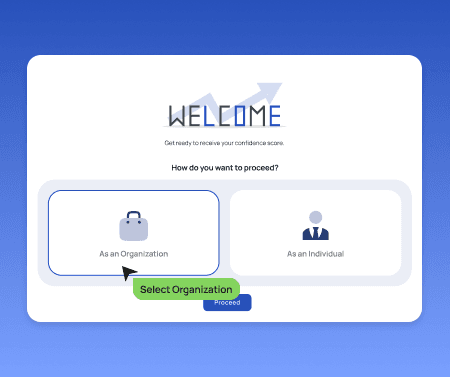
1
Create account
Create an account with email/number/Facebook and select your industry.
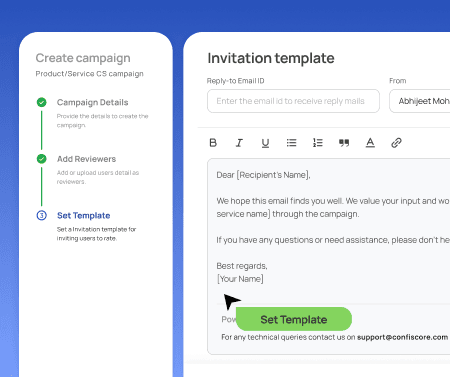
2
Create Campaign and select your Confidence Assessment Template (CAT)
Create a new campaign, give it a name and run time, and then select your default CAT or custom CAT (for managed customers)
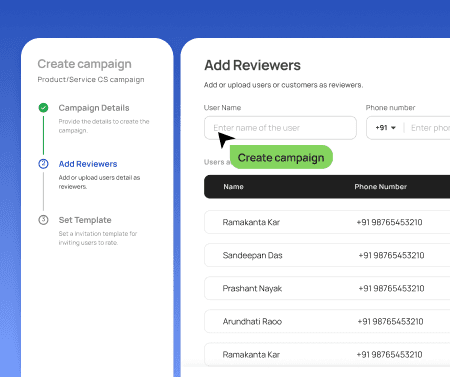
3
Select your reviewers
Select one or multiple reviewers by adding them manually or by uploading an Excel sheet(.xls).
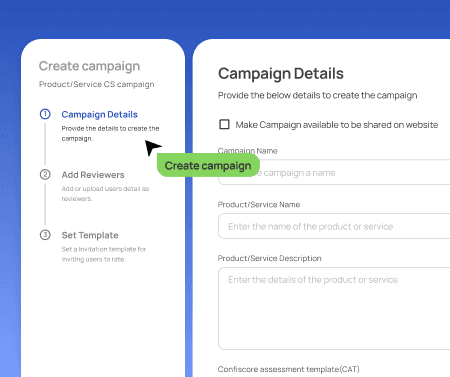
4
Start campaign
Start the campaign with one click and wait for your responders.
5
Repeat
Repeat the steps regularly to truly understand how confident your customers are with your service.
Product Service
Professionals
Internal 360
Recruitment
1
Create account
Create an account with email/number/Facebook select your industry.
2
Select a Confidence Assessment Template (CAT) after creating a campaign.
Create a new campaign, give it a name and run time and then select your default CAT or custom CAT (for managed customers)
3
Select your reviewers
Select one or multiple reviewers by adding them manually or by uploading an Excel sheet(.xls)
4
Start campaign
Start the campaign with one click and wait for your responders.
5
Sit back and repeat
Repeat the steps regularly to truly understand how confident your customers are with your product/service.